
Microsoft
Being around for decades of innovation, Microsoft is an industry titan that focuses on transforming the working world as it goes. Supplying countless products and services used industry-wide, there is never a bad time to be up to date with Microsoft’s latest endeavours. As a Microsoft Gold Partner, Westwood Associates can make sure you’re never in the dark about anything Microsoft.
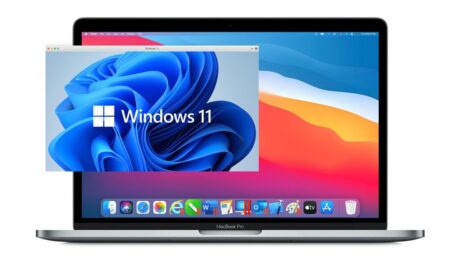
How to Install Windows 11 on a Mac
Monday, 25 October 2021
To run Windows 11 on your machine you need to have support for Trusted Platform Module (TPM) 2.0 built into the machine’s motherboard. Something which many Macs built before 2014 don’t have and therefore aren’t compatible to run Windows 11. However, some Intel Macs have a TPM built into them, enabling them to run Windows
- Published in Microsoft, Microsoft How To Tutorials

How to Open Task Manager in Windows 11
Wednesday, 20 October 2021
Task Manager is a system monitor, and start-up manager included within Windows 11 systems. Task Manager can further be used to set process priorities, processor affinity, and to start and stop services, and immediately terminate processes. How to Open Task Manager The task manager is an important process within Windows 11 and therefore it is
- Published in Microsoft, Microsoft How To Tutorials
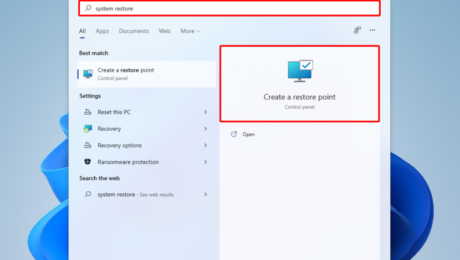
How to Enable Systems Restore in Windows 11
Wednesday, 20 October 2021
What is a System Restore? Microsoft built System Restore capabilities into Windows 11 so that if an error occurs in your Windows 11 install you can quickly and swiftly get back into a working machine. Having a restore point saved on your system can be a great safety net to have in the case that
- Published in Microsoft, Microsoft How To Tutorials
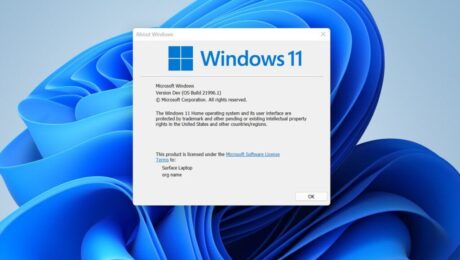
How to Check your Windows 11 Version
Wednesday, 20 October 2021
There are plenty of commands you can use to discover your current version of Windows 11 your system is running. Here are 5 of the ways for finding out your Windows 11 version. Method 1: Use winver to find out what version of Windows 11 you’re running, this is arguably the quickest method. Press ‘Windows
- Published in Microsoft, Microsoft How To Tutorials
How to Enable God Mode in Windows 11
Wednesday, 20 October 2021
What is God Mode? You may already be familiar with God Mode on Windows 11. However, if you aren’t here is a short run down. God mode is specialised folder in Windows 11 that shows all settings available in one easily accessible panel. God mode essentially runs commands and saves time doing so, without the
- Published in Microsoft, Microsoft How To Tutorials

How to Change your Theme in Windows 11
Wednesday, 20 October 2021
Themes are a large part of the interactive nature of Microsoft and Windows 11. The only change on Windows 11 from 10 is the choice of two main themes. Users can decide between a light or dark variant of the Windows 11 main theme. However this isn’t all the choice you have, Windows 11 further
- Published in Microsoft, Microsoft How To Tutorials

How to Change your Background in Windows 11
Wednesday, 20 October 2021
As with its previous versions windows 11 has many different personalisation options you can implement in order to make it your very own space. You can easily chose between Microsoft’s library of Desktop backgrounds, or even hand pick your own. Here’s how to do so.
- Published in Microsoft, Microsoft How To Tutorials
How to Emergency Restart in Windows 11
Tuesday, 19 October 2021
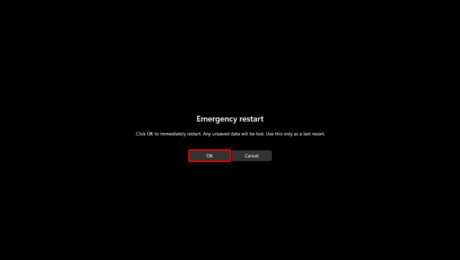
What is an Emergency Restart? An emergency restart is a hidden option in Windows 11, you can use it to completely reboot your system. However during an emergency restart, all running applications will be ended and there will be no warning message to save your work, unlike with a normal restart. You may therefore
- Published in Microsoft, Microsoft How To Tutorials
How to change DPI Display Scaling Level in Windows 11
Tuesday, 19 October 2021
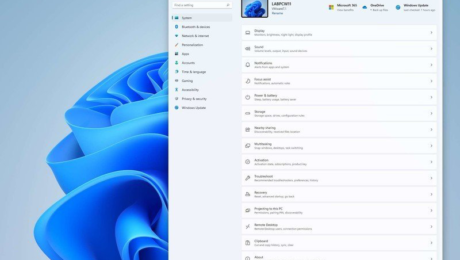
What is DPI? Dots per inch (DPI), is a measure of resolution of a printed document or digital scan. The higher the dot density, the higher the resolution. Therefore, the higher the DPI, the sharper the image. You’ll get a more enhanced
- Published in Microsoft, Microsoft How To Tutorials
