Microsoft Teams’ significance has been on the rise for quite some time now, paired with a 2-year global pandemic Teams became a focal point of the working world and has continued to make working from anywhere more possible, flexible, and more collaborative.
Retail environments along with all their bells and whistles, such as rotating schedules and on-the-go staff, have very different needs than other organisations. In order to get the most benefit for your retail organisation, you first choose which scenarios Teams can help you with in your day-to-day business operations, and then make sure that you prepare your Teams environment with the right fundamentals, teams, and apps to support those scenarios.
- Choose the scenarios you want to implement for your business.

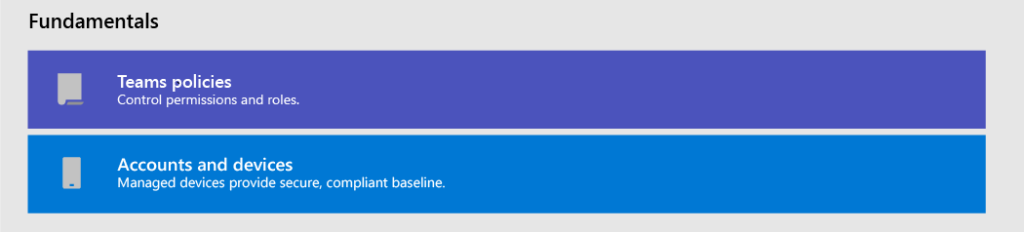
- Set up fundamentals – Support your workforce with the fundamentals: managing accounts and devices, and making sure that the appropriate Teams policies are applied.
- Set up Teams and apps – Use Teams templates to set up the Teams you need quickly, including the channels and apps you need for your business. Add in other apps from Microsoft as needed to support your scenarios.

Choose your scenarios:
Microsoft Teams and 365 offer multiple capabilities with the capacity to help retail organisations with daily tasks and operations and undergo digital transformation. Here are what Microsoft recommends for the following scenarios for retail organisations:


- In-store communication and collaboration – Bring in-store associates and management together to collaborate and streamline operations with Teams and Teams apps.
- Cross-store communication and collaboration – Staff members can communicate and collaboration across multiple stores in a region, or with headquarters using the same tools and apps you use within your store.
- Virtual fittings and consultations – The Bookings app in Microsoft Teams gives organizations a simple way to schedule and manage virtual appointments for associates and customers. Use it to schedule virtual appointments such as virtual shopping experiences.
- Simplify business processes – You can use Teams apps, Power Apps, and Power BI to simplify business processes. For example, you can:
- Set and maintain schedules for your employees with Shifts.
- Conduct store walks and inventories with Power Apps.
- Track key performance indicators (KPIs) with Power BI reports.
- Corporate communications – Employee engagement is a significant contributor to workplace satisfaction, loyalty, and productivity at any organization. Learn how to keep everyone informed and engaged using SharePoint, Teams, Yammer, Stream, and Viva Connections.
- Onboarding new employees – Make new employee onboarding a great experience by fostering an all-in-one hybrid work environment where new employees can find important resources, meet people in their organization, and prepare to be successful in their new role.
Set up the fundamentals:
Having the correct fundamentals for your organisation on Teams is of paramount importance, and the 4 main factors are available to set up with Microsoft. Lay the right foundation for you and your workers by choosing appropriate licenses and policies, managing accounts, and managing devices so that you can provide a secure, compliant way to get work done.
Set up Teams and apps:
Ensure that your organisation has the correct tools and resources in order to communicate, collaborate, and deliver great customer service with apps like Shifts, Walkie Talkie, Tasks, Lists, Praise, etc. You can determine which apps are available for your users by enabling them in the Teams admin centre or by including them in a Teams template. More information about managing Teams apps and the full blog breakdown of Teams for retail can be found here via Microsoft.